
Making Shiny Apps Public
Last updated on 2026-10-27 | Edit this page
Estimated time: 35 minutes
Overview
Questions
- How do I show the world my Shiny apps?
Objectives
- Publish your Shiny app
Shinyapps.io
To make a Shiny app available to other people, it must be hosted somewhere that can run R and serve the application through a web browser. One option is to run your own Shiny Server, but many users choose a managed hosting platform such as shinyapps.io.
For our purposes, we’re going to use Posit’s shinyapps.io, a free Shiny App hosting site that is integrated into R Studio.
Sign up for shinyapps.io
Go to shinyapps.io and take the steps to register for an account.
Deploying Your App to Shinyapps.io
Deploying your app from within RStudio is fairly simple. Within
Rstudio, click the Publish button noted above (to the
left of your code pane) and select Publish Application. You
will be walked through steps to connect your instance of RStudio to shinyapps.io and then the app will
upload.

Run your app. If it has a problem, login to shinyapps.io and inspect the log file for your app to see what went wrong.
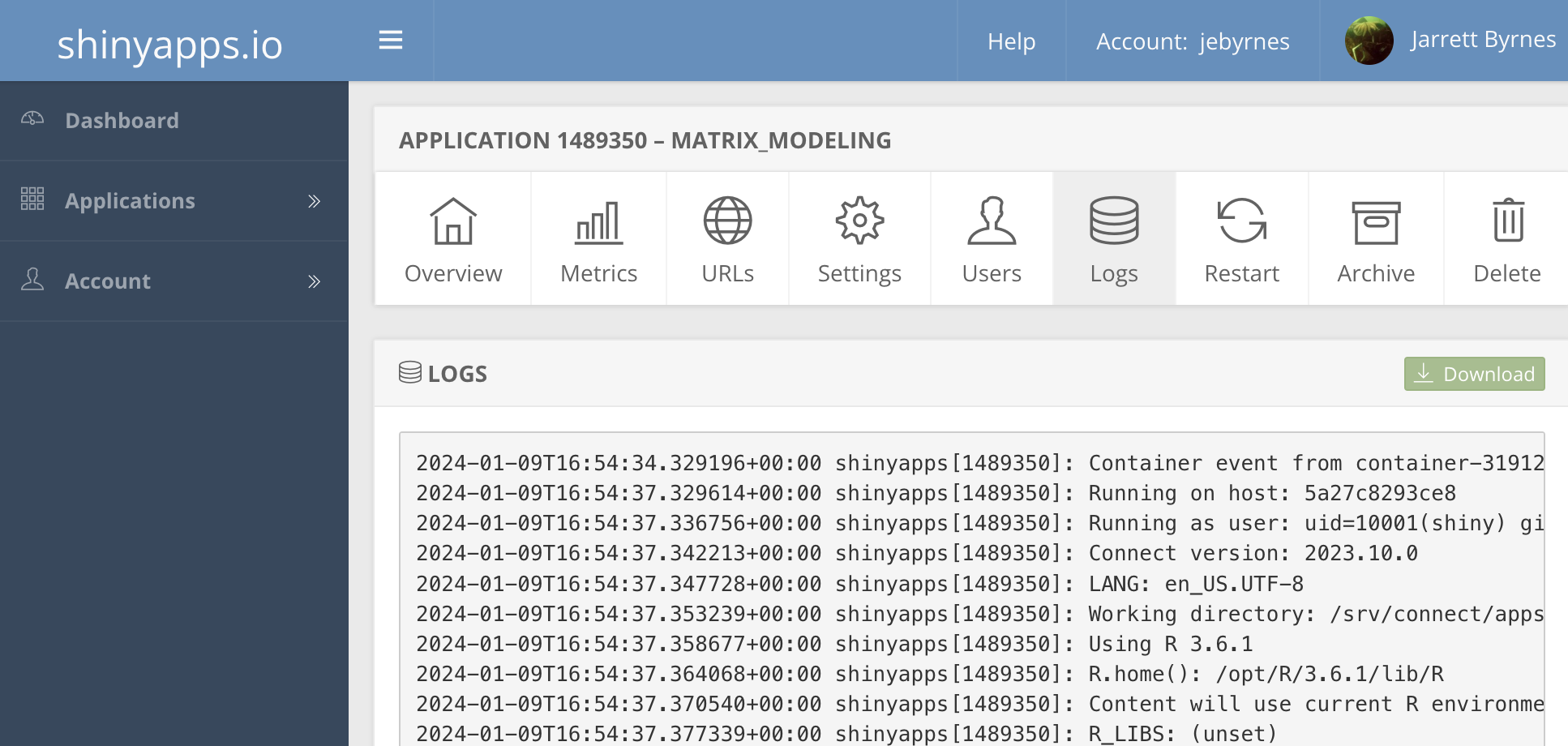
Other hosting options if you don’t run a server
There are other ways to host a Shiny app, but they require more technical expertise. If you are at or affiliated with a university, contact your scientific computing staff. They may be able to setup a Shiny Server and Rstudio Server so you can easily deploy apps by uploading them.
If you don’t have that option, and shinyapps.io is not
enough for you, a couple alternatives include: - Heroku
- Digital
Ocean.
It will take some work, patience, and desire to implement these options but they are skills well worth learning.
Workshop Summary
Congratulations! In this workshop you built and published a Shiny app from scratch.
You learned how to:
- Create the structure of a Shiny app using a user interface and server.
- Add inputs and outputs to make an app interactive.
- Use reactive expressions to organise and reuse server logic.
- Deploy an app using shinyapps.io.
From here, you may wish to explore:
- Additional input and output widgets.
- App styling and layout.
- Interactive plots and tables.
- Larger applications using Shiny modules.
- Hosting and deployment options.
- A Shiny app must be hosted on a service capable of running R.
- shinyapps.io provides a simple way to publish Shiny apps.
- The same Shiny concepts can be used to build more complex applications.